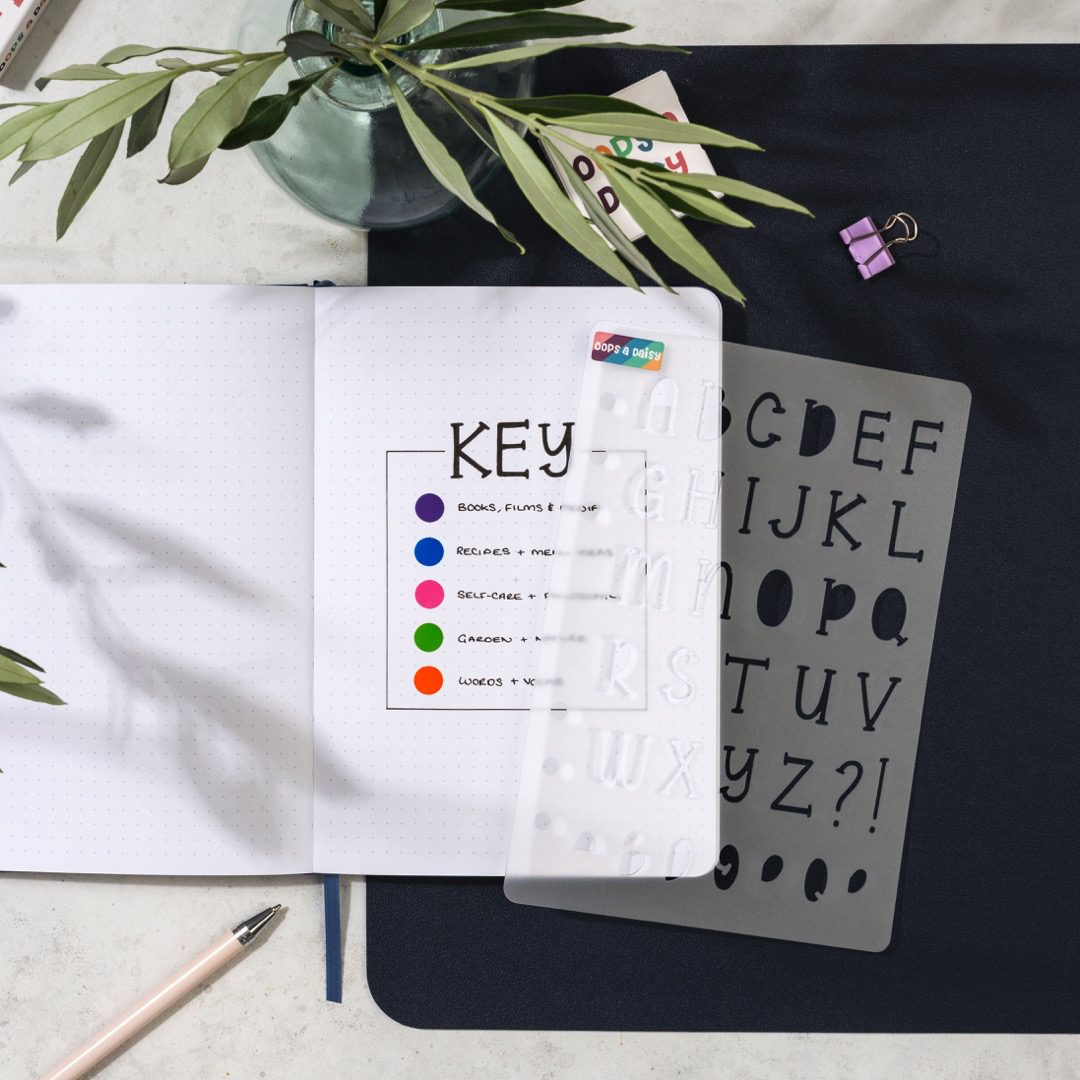
Your commonplace book is a treasure trove of quotes, ideas, inspiration, and insights — but if it’s not organised, it can quickly turn into a chaotic dump of content. That’s where a key system comes in.
A good key helps you:
✅ Quickly categorise your entries
✅ Spot patterns over time
✅ Make it easier to reference, review, and reuse ideas
In this post, we’ll show you how to set up a simple key system using colours, symbols, and short codes (abbreviations).
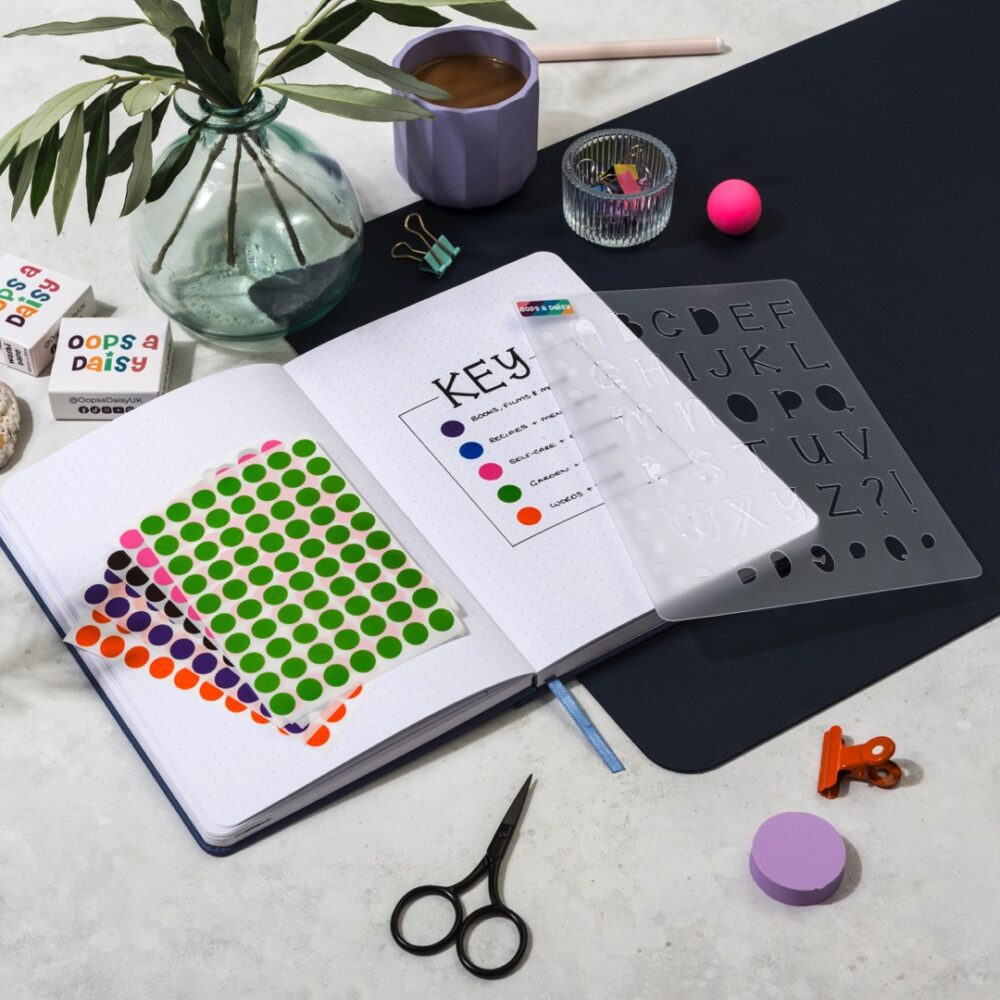
In the context of a commonplace book, a key is your personal system for labelling and organising entries. It can include:
You can combine all three, or just use one — whatever works for how your brain works.
Start by identifying the main themes or categories of content you intend to collect. Examples:
Try to keep it to 6–10 main categories so it doesn’t become overwhelming.
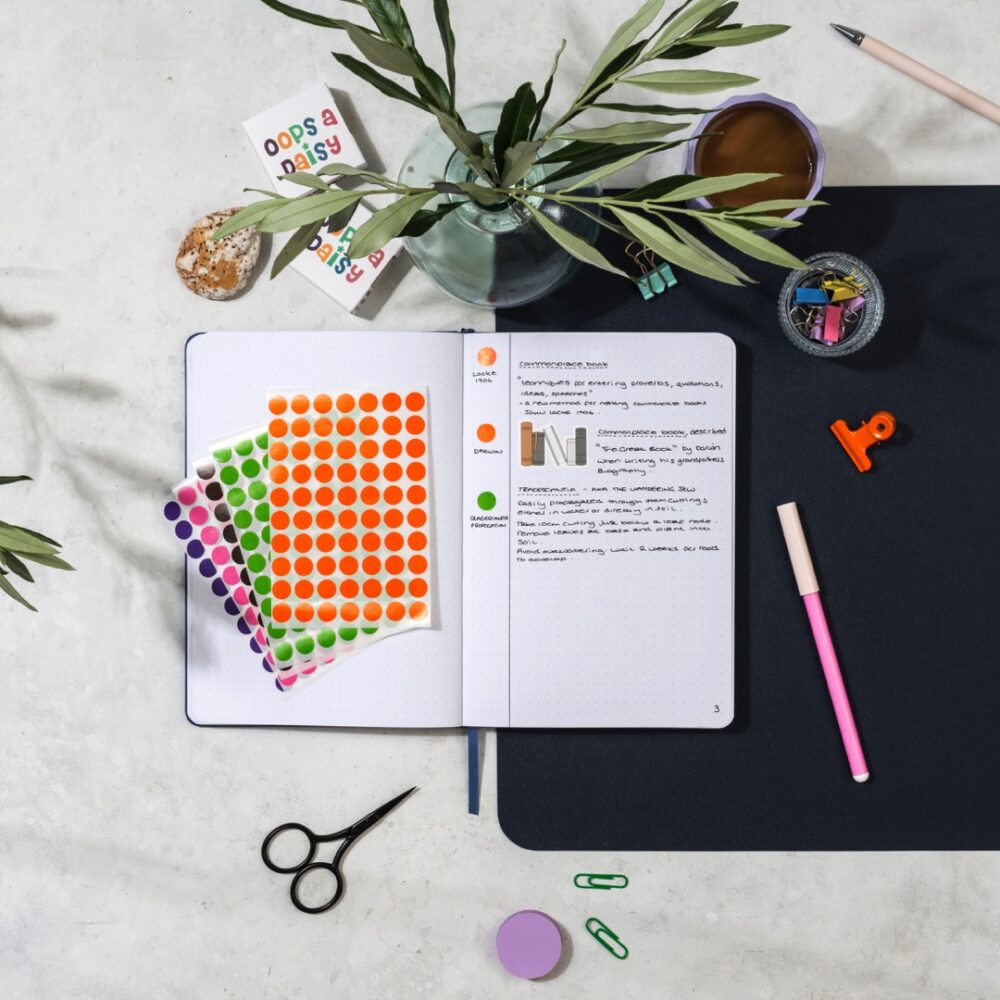
Now, assign each category a colour. You can use:
Highlight the margin, title, or use a dot or underline in that colour for each entry.
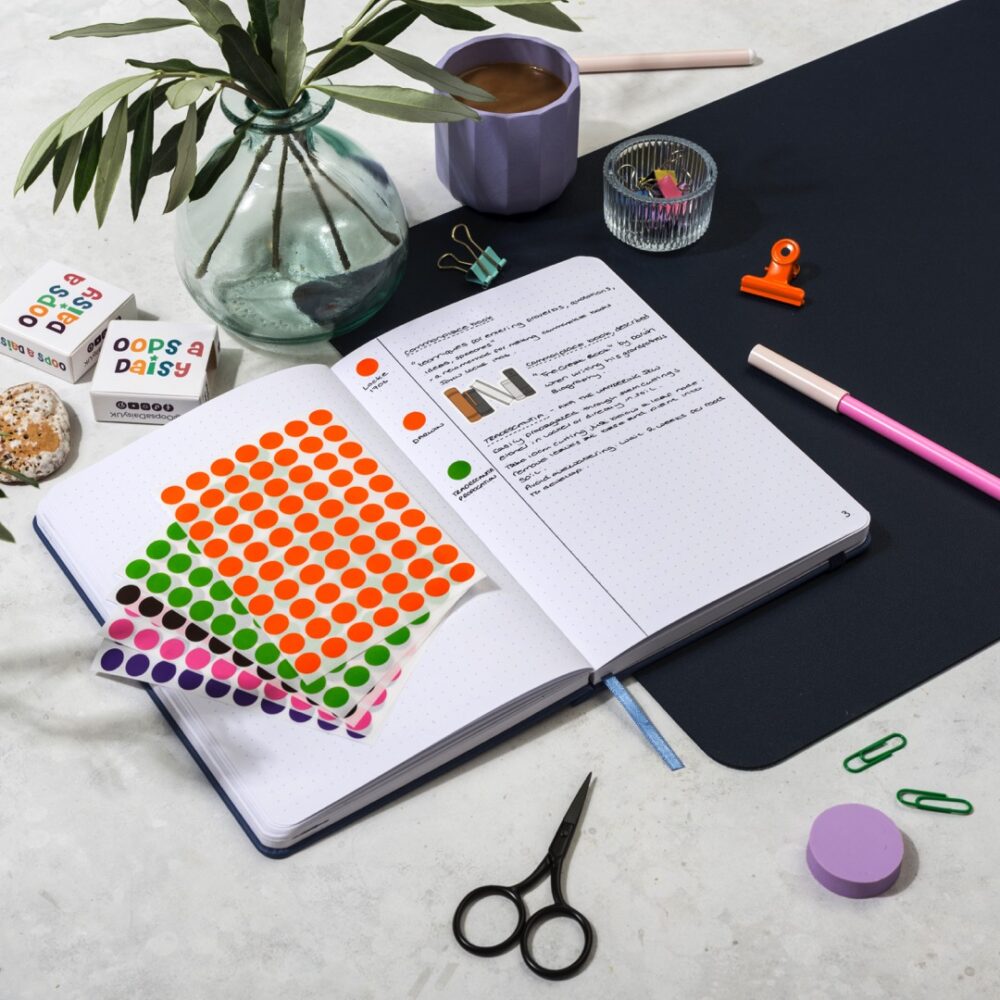
Add a symbol next to each entry to visually indicate what type it is.
Suggested Symbols:
You can mark symbols in the corner of the page, next to the title, or in the margin. Over time, you’ll be able to scan quickly and spot what’s important.
If you like indexing or want to cross-reference topics, use 2–3 letter codes. For example:
You can write the code in the margin or next to your page number in the index.
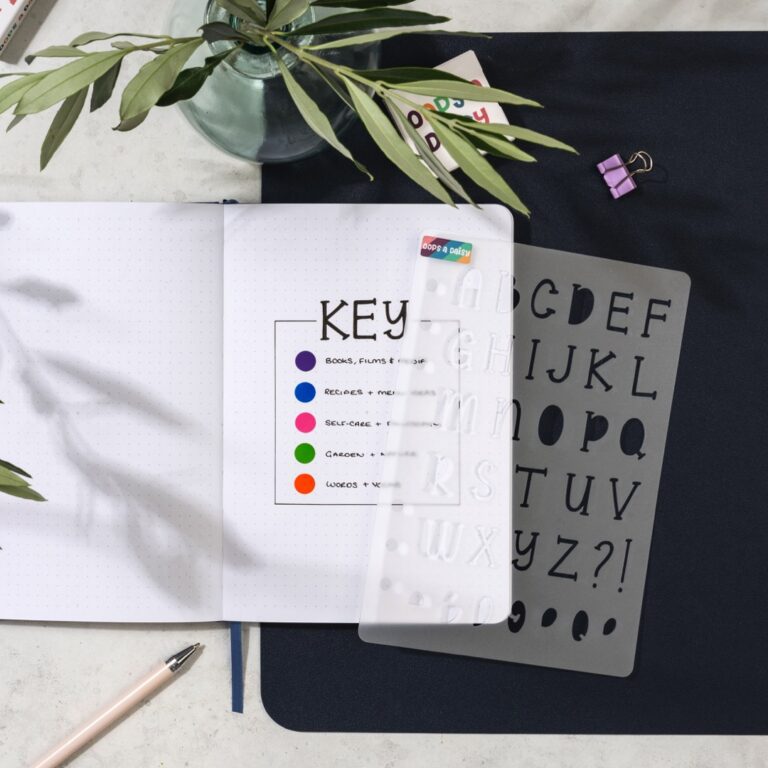
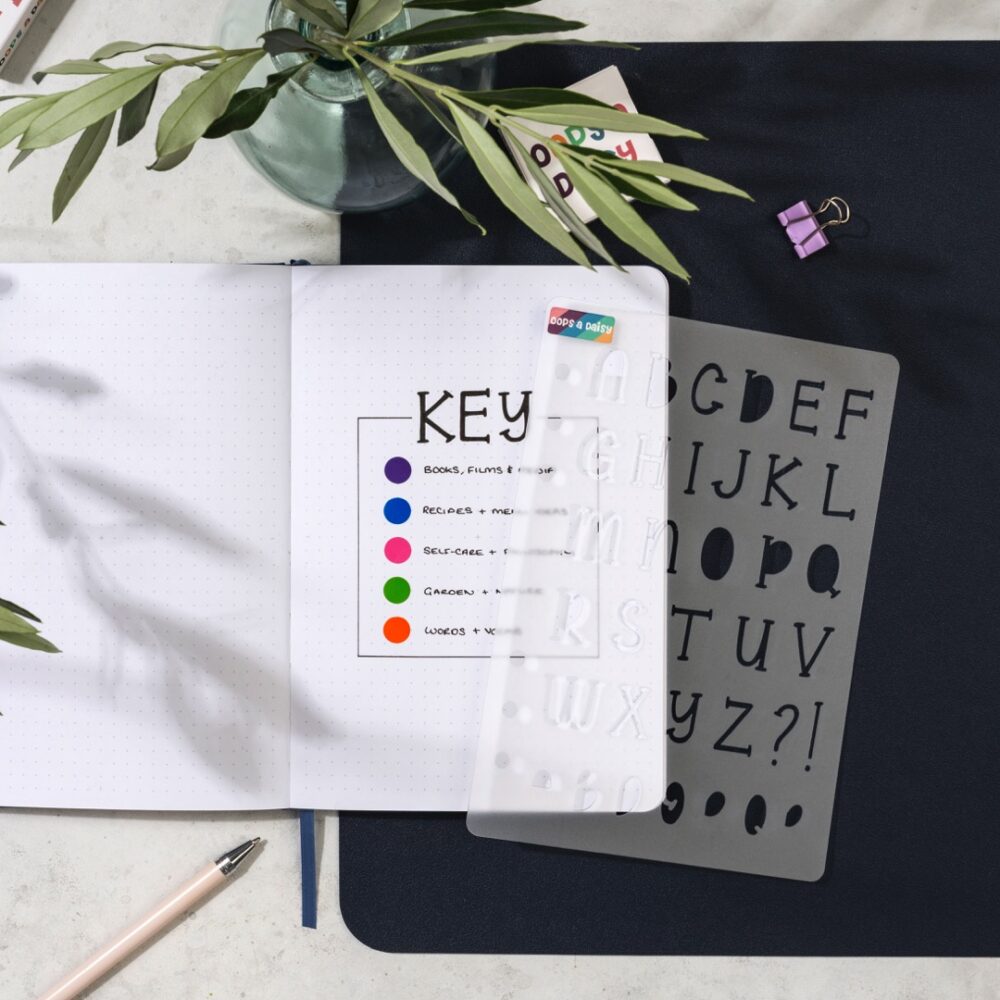
At the front (or back) of your commonplace book, create a Key Page where you list:
That way, you always have a reference if you forget or want to tweak things later.
Page 17
Title: “On Courage†— Epictetus
Key: PHL 💡 ðŸ”
Highlight: Blue
“First say to yourself what you would be; and then do what you have to do.â€
Index Entry:
| Title | Page | Key |
|---|---|---|
| On Courage | 17 | PHL 💡 🔠|
A key system isn’t about being fancy — it’s about making your ideas findable, usable, and reviewable.
Over time, your commonplace book becomes more than a notebook. It becomes a thinking tool — a personalised map of your intellectual and creative life.
The Big One is our quarterly journaling subscription, where we take a deeper dive into a self-care, self-development or productivity concept.
For our September 2025 box we will be exploring the concept of Commonplacing in more depth, with a bumper bundle of tools to help you incorporate the method into your journal.
Subscriptions are now open to new subscribers *while stocks last*
Our quarterly journaling subscription, designed to help you explore a self-development or self-care concept all through the medium of gorgeous stationery!