So you’ve started your commonplace book — that brilliant archive of quotes, ideas, reflections, and knowledge — but now you’re wondering:
“How will I ever find anything again?”
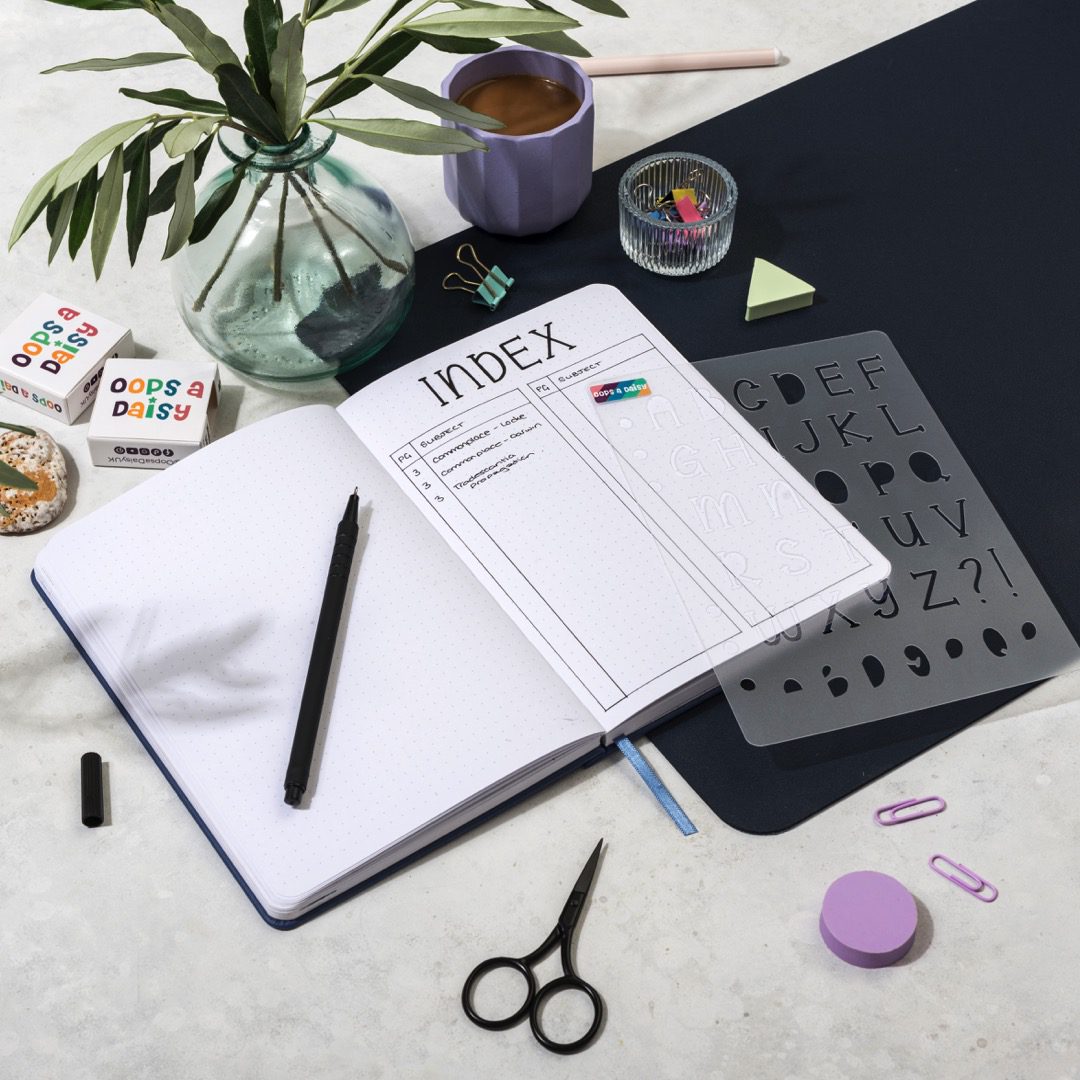
Enter: the index. Not the boring kind from textbooks — but a living, creative tool that helps you track, retrieve, and connect what matters most to you.
In this post, you’ll learn how to create an index that actually works, using colors, symbols, and smart categorisation.
A commonplace book isn’t just about collecting ideas — it’s about returning to them later. A good index helps you:
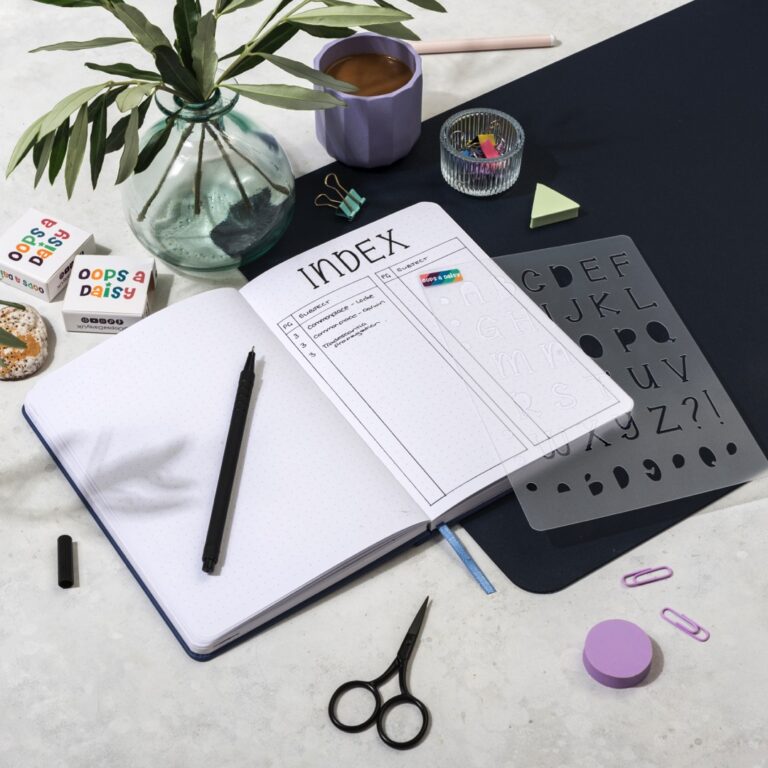
When you start your notebook, leave the first 2–4 pages blank for your index (or keep it in the back — some people prefer that).
Number your pages as you go, or choose a notebook with pre-numbered pages.
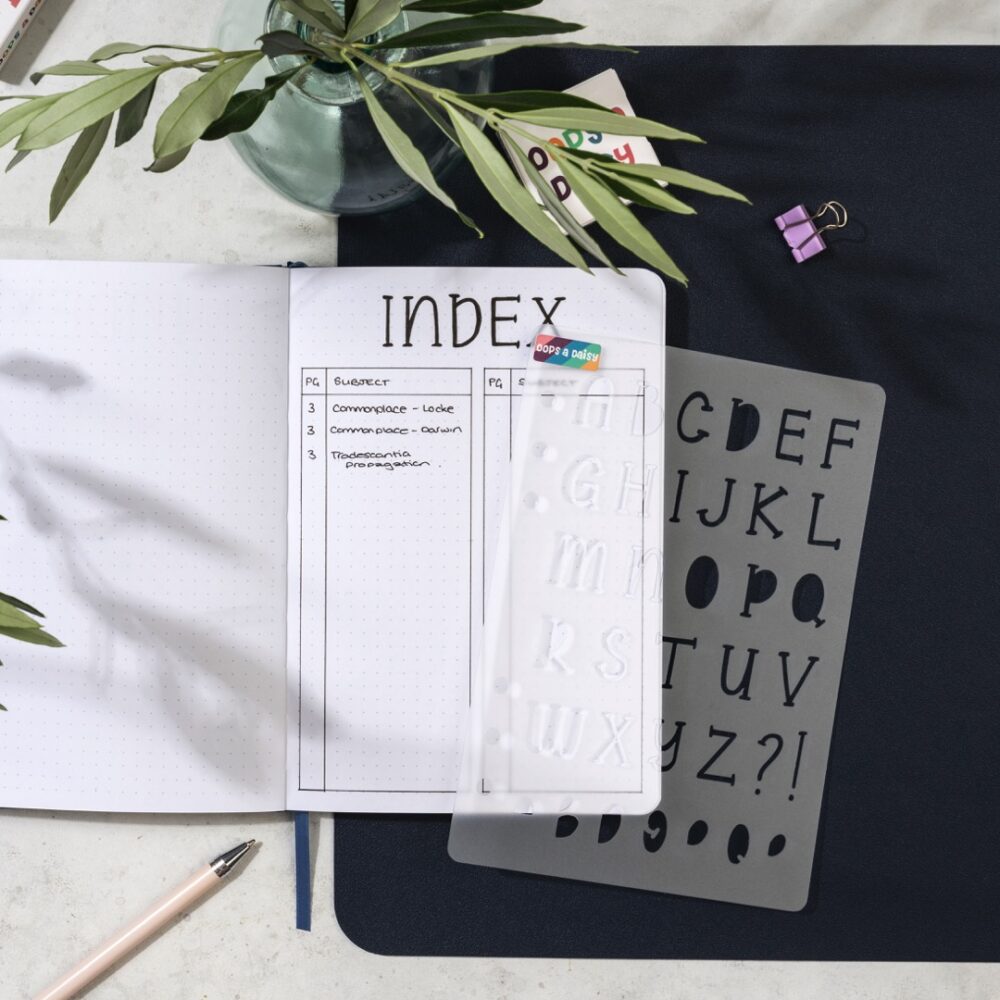
You can organize your index alphabetically, by category, chronologically, or visually.
Best if your entries are wide-ranging and you want quick lookup by topic or keyword.
Example:
A – Art: 14, 22, 35
C – Creativity: 8, 41
P – Philosophy: 3, 19, 56
Use a short code or icon for each theme.
Example:
💡 Insights: 5, 18, 42
📚 Book Quotes: 7, 12, 33
🎯 Life Advice: 2, 9, 47
This works if your entries are more journal-style. Just add tags or colors to entries and track them.
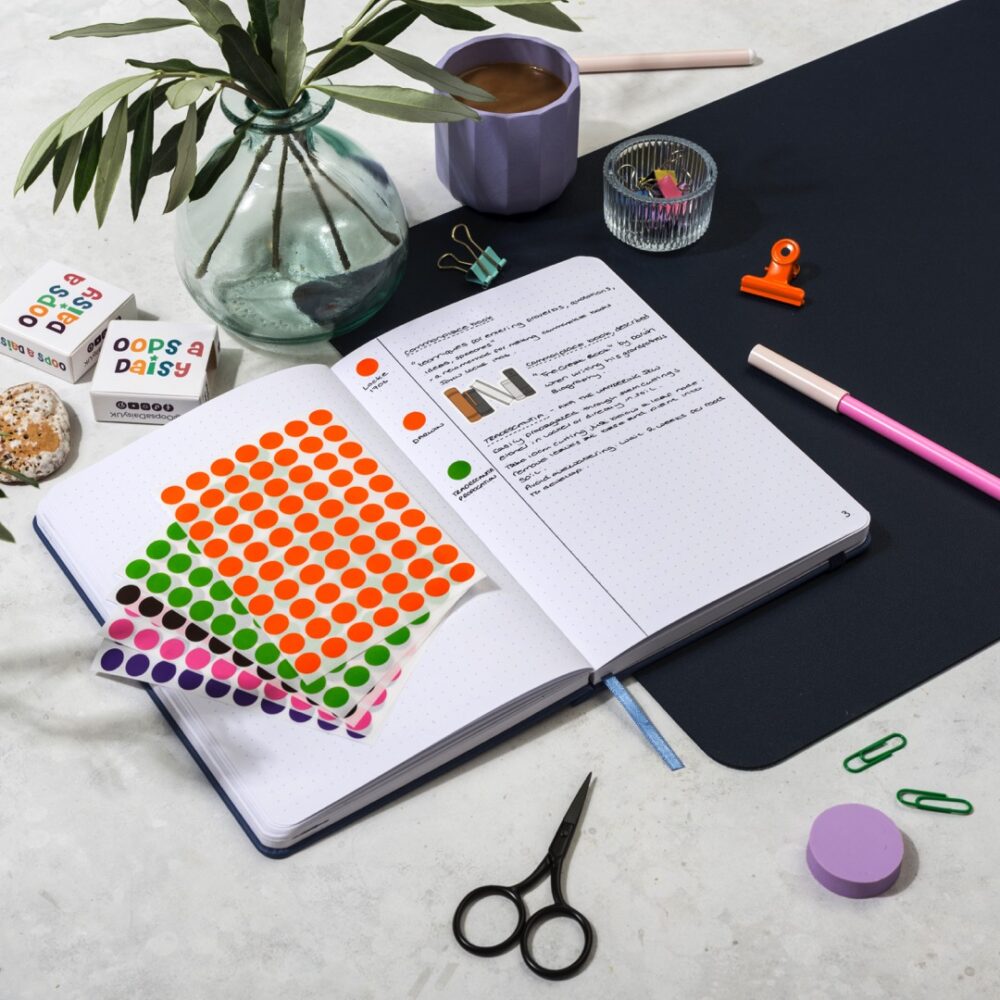
Assign a color to each category. Use highlighters, colored pens, or stickers in both your entries and your index.
| Category | Color |
|---|---|
| Quotes | Orange |
| Philosophy | Blue |
| Writing Tips | Green |
| Creativity | Yellow |
| Reflection | Purple |
In your index, colour in the margin or underline the page number with the corresponding colour. It makes flipping through fast and visual.
Symbols add a quick visual cue for what kind of content is on a page. Use these both in the entry margin and in the index.
| Symbol | Meaning |
|---|---|
| â | Favorite quote |
| 💡 | Insight |
| 🎯 | Actionable idea |
| 🔠| Revisit / reread |
| âœï¸ | Writing prompt |
Example Index Line:
Pg 22 – “Steal Like an Artist†– 💡 🎯 âœï¸ (green)
This shows it’s an insight, actionable, and writing-related — all at a glance.
The best index systems are personal hybrids. Try mixing:
There are no rules. If it works for you, it’s the right system.
Pg 12 – “The Obstacle Is the Way†– PHL 💡 🎯 (blue dot)
Pg 27 – “Writing with Clarity†– WRT âœï¸ â (green dot)
Pg 34 – “On Slowing Down†– LIF 🔠💬 (purple dot)
You can even group entries under section headers like:
Creativity (yellow)
The Big One is our quarterly journaling subscription, where we take a deeper dive into a self-care, self-development or productivity concept.
For our September 2025 box we will be exploring the concept of Commonplacing in more depth, with a bumper bundle of tools to help you incorporate the method into your journal.
Subscriptions are now open to new subscribers *while stocks last*

Our quarterly journaling subscription, designed to help you explore a self-development or self-care concept all through the medium of gorgeous stationery!